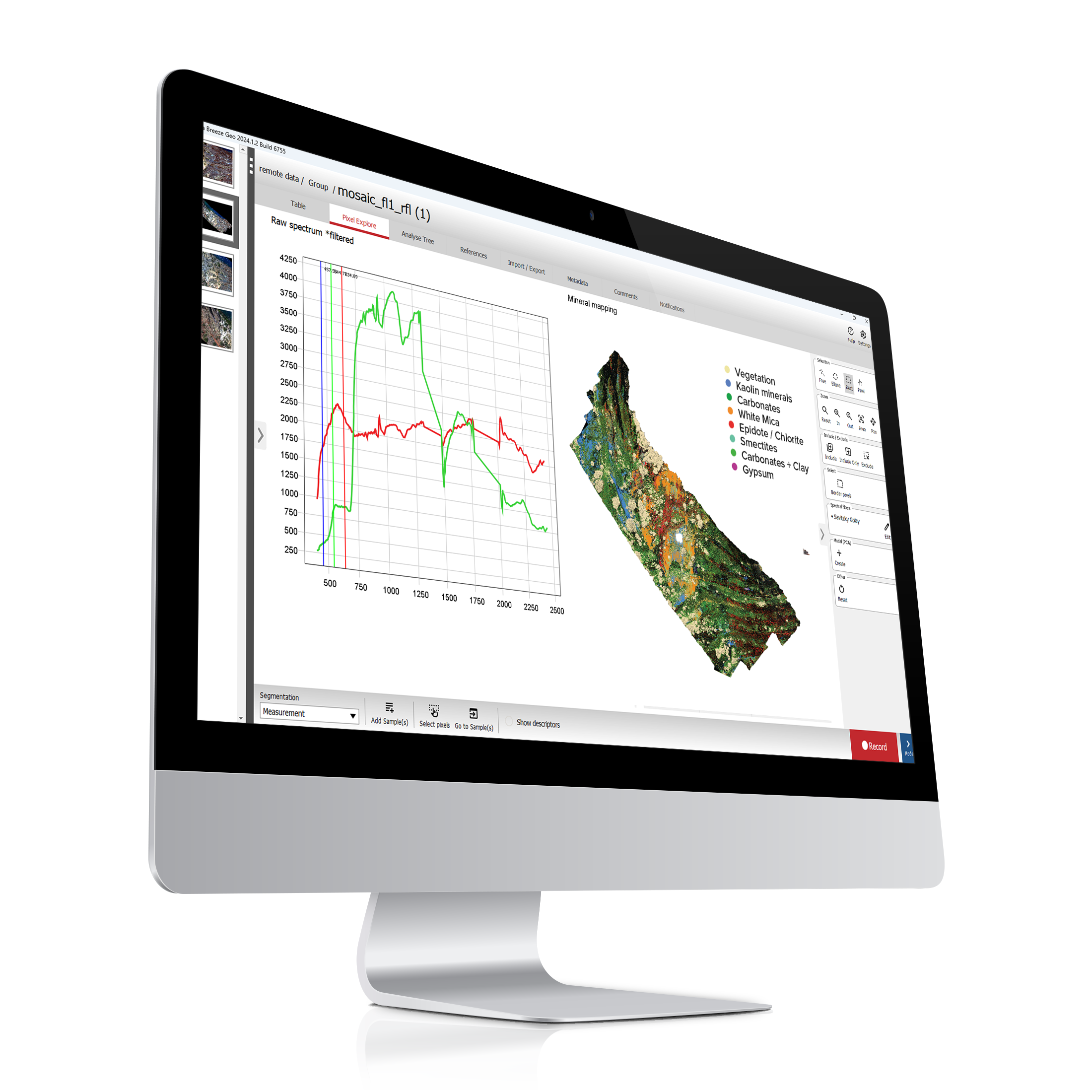
Geological Analysis

Mineral analysis module for Breeze

Identify minerals and map spectral features in hyperspectral images. Extend Breeze with geological algorithms, built-in and custom spectral libraries, and tools for laboratory, field and airborne datasets.

Turn spectral information into mineral insight

Combine mineral classification with spectral feature modelling to investigate the composition and variation in your samples.

Geological Analysis adds USGS PRISM MICA, Minimum Wavelength Mapping and spectral library tools to the Breeze workspace. Use the methods together to interpret data from laboratory, field, process and UAV applications.

Tools for geological interpretation

Use USGS PRISM MICA and Minimum Wavelength Mapping to classify minerals and investigate spectral features. Work with the built-in spectral library or your own reference spectra to support geological interpretation.

USGS PRISM MICA

Material Identification and Classification Algorithm (MICA) Expert System is based on a spectral mineral library and provides USGS PRISM MICA expert system for material classification.

View documentation
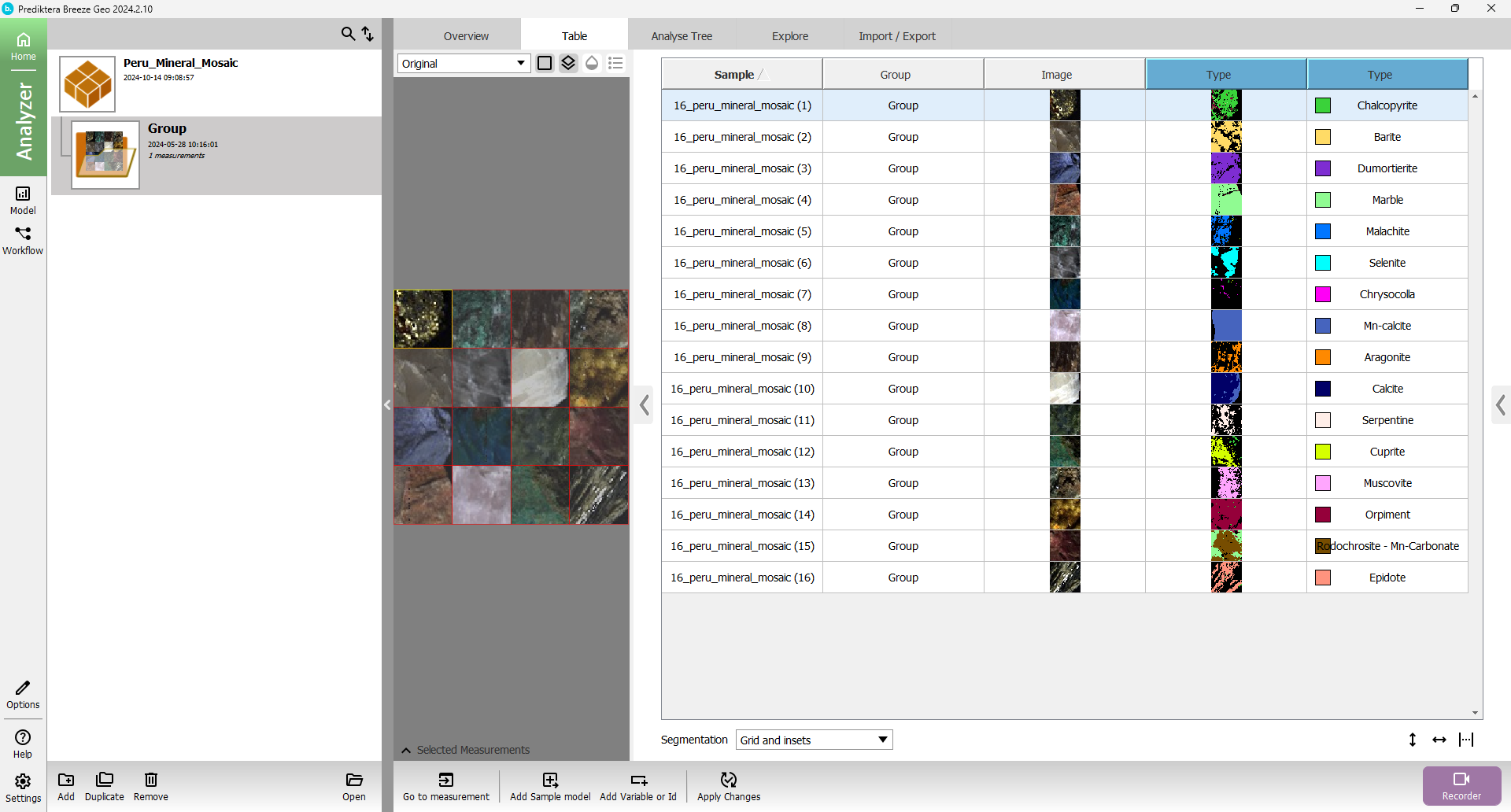
SAM – Spectral Angle Mapper

Identify minerals by matching hyperspectral signatures against reference spectra using Spectral Angle Mapper (SAM). Visualize mineral classifications and customize spectral endmembers to suit your geological samples.

View documentation
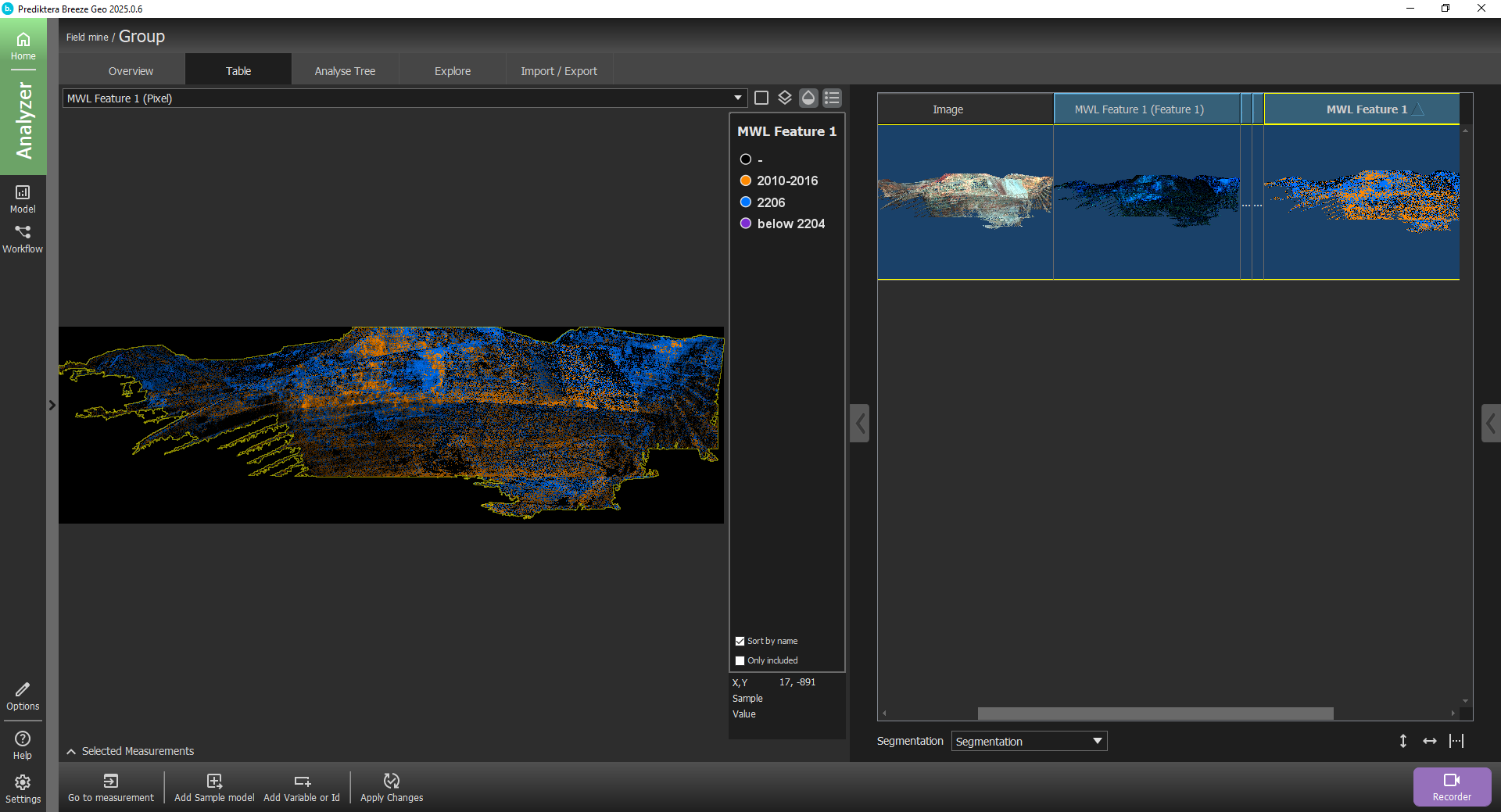
MWL

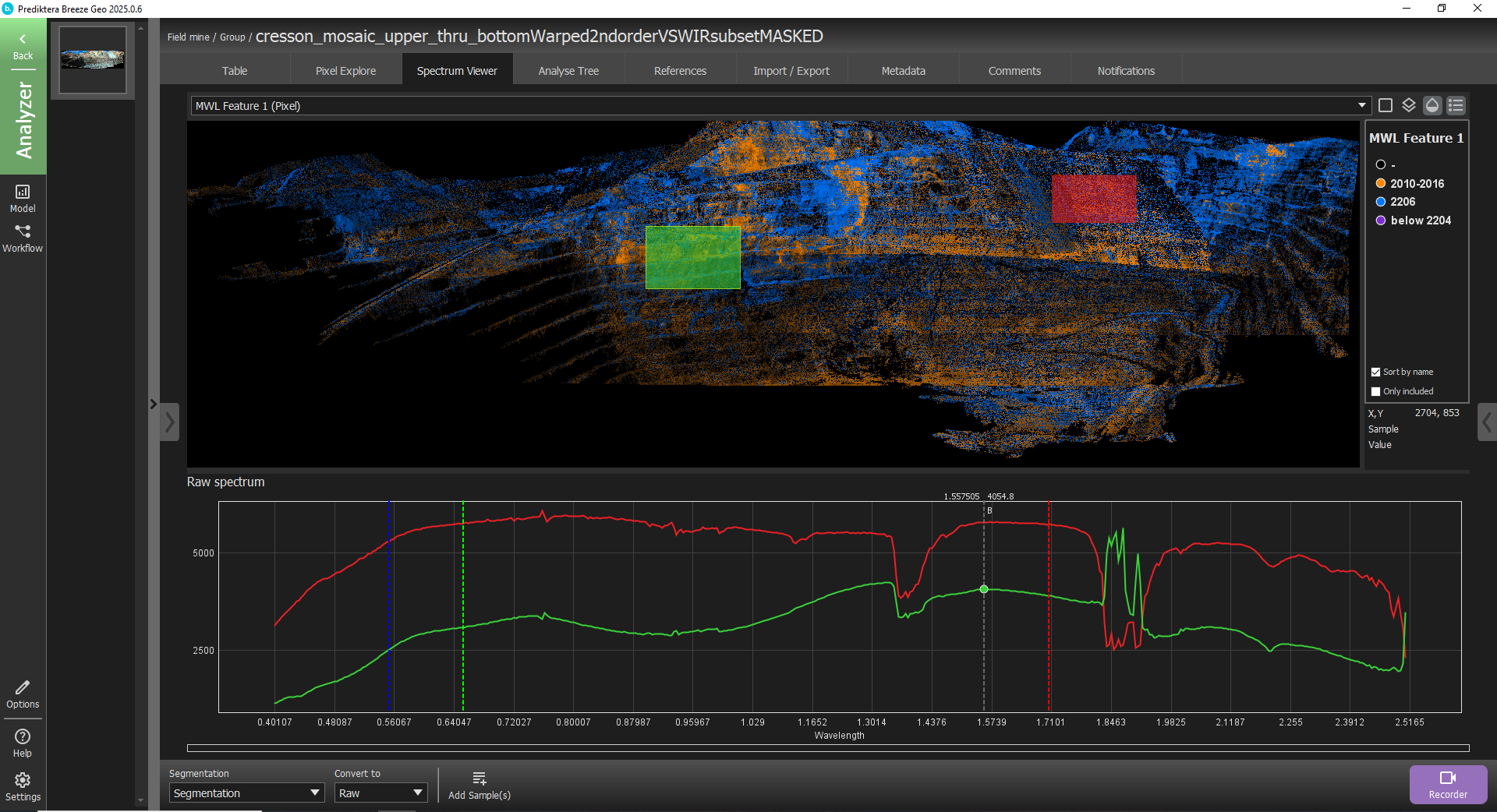
Minimum wavelength mapping (MWL) is a tool to find the absorption features within a specified wavelength region.

View documentation
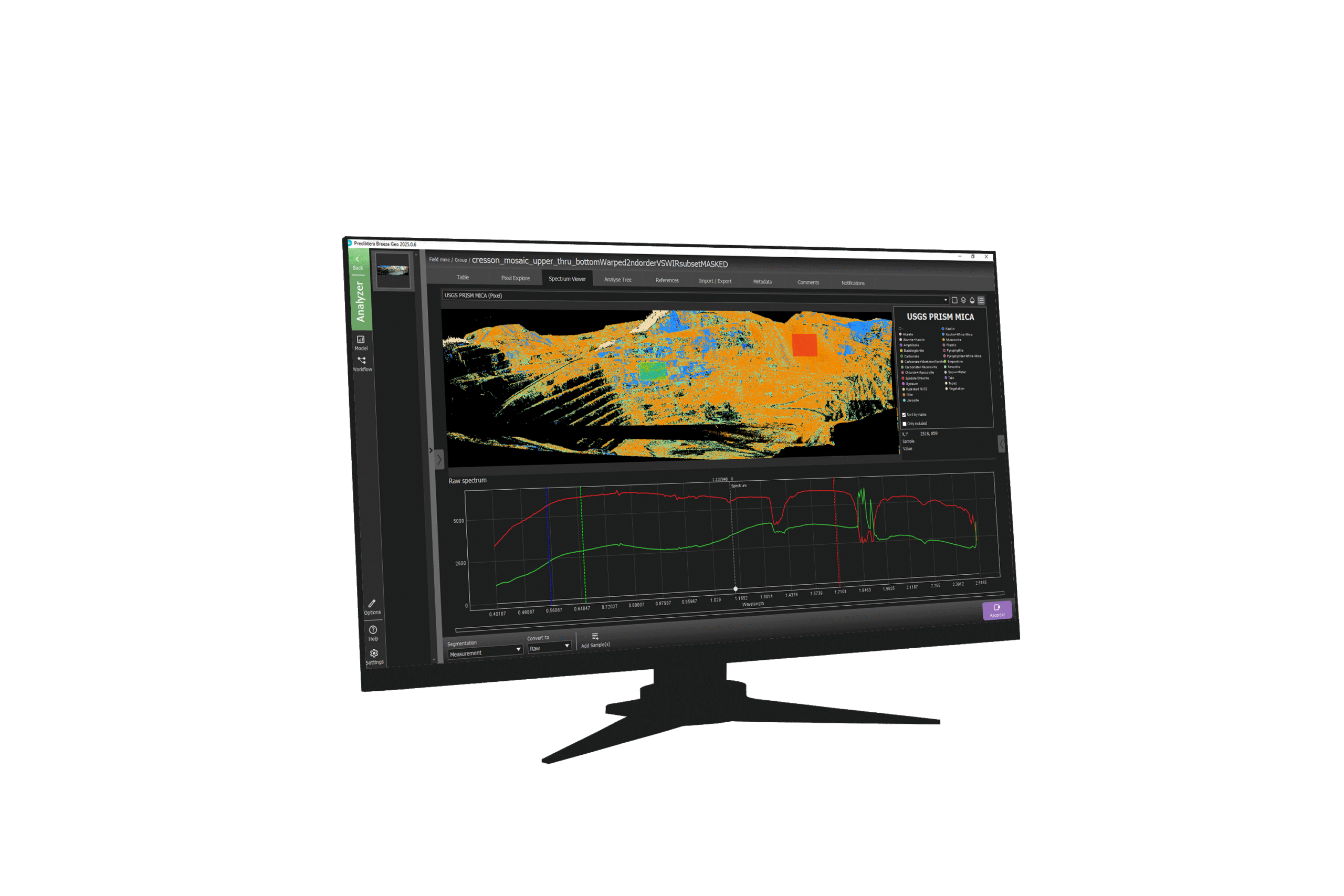

Geological tools in your Breeze workflow

Geological Analysis requires Breeze. Use the main software to acquire or import hyperspectral data, explore images and spectra, and build repeatable analysis workflows.

Export results in industry-standard formats. For drill core depth registration, segmentation and logging, add the Core Scanning module.

Acquire or import

Record images using supported cameras and scanners, or import hyperspectral data from your geological application.

Classify and map

Identify minerals with USGS PRISM MICA and spectral libraries. Use Minimum Wavelength Mapping to investigate spectral features.

Review and export

Review mineral maps and spectral results, refine your interpretation, and export to industry-standard formats.
Choose your geological package

Breeze for Geology combines Breeze with Geological Analysis. The Core scanning package also includes tools for depth-based drill core logging.

Breeze for Geological analysis

Specialized tools for mineral classification, spectral analysis, and geological interpretation.

Breeze for Core scanning

Acquire and analyze hyperspectral drill core data with specialized tools for efficient scanning.

See Geological analysis module in action

See how Breeze supports mineral analysis.

Explore Breeze Suite

Learn about the main software and other modules in Breeze Suite.

Main software

Breeze

Acquire and analyze hyperspectral images, develop models and automate workflows. The main software required for all Breeze modules.
Module

Runtime API

Run Breeze workflows in real time and communicate with industrial systems using Runtime API. Requires Breeze for model development.
Module

Core scanning module

Add specialized tools for depth registration, segmentation and exporting mineralogical interpretations of drill cores. Requires Breeze and Geological Analysis.

Explore your geological application

See the geological tools in action and discuss your samples, imaging setup and analysis goals.