

1
Module
Explore
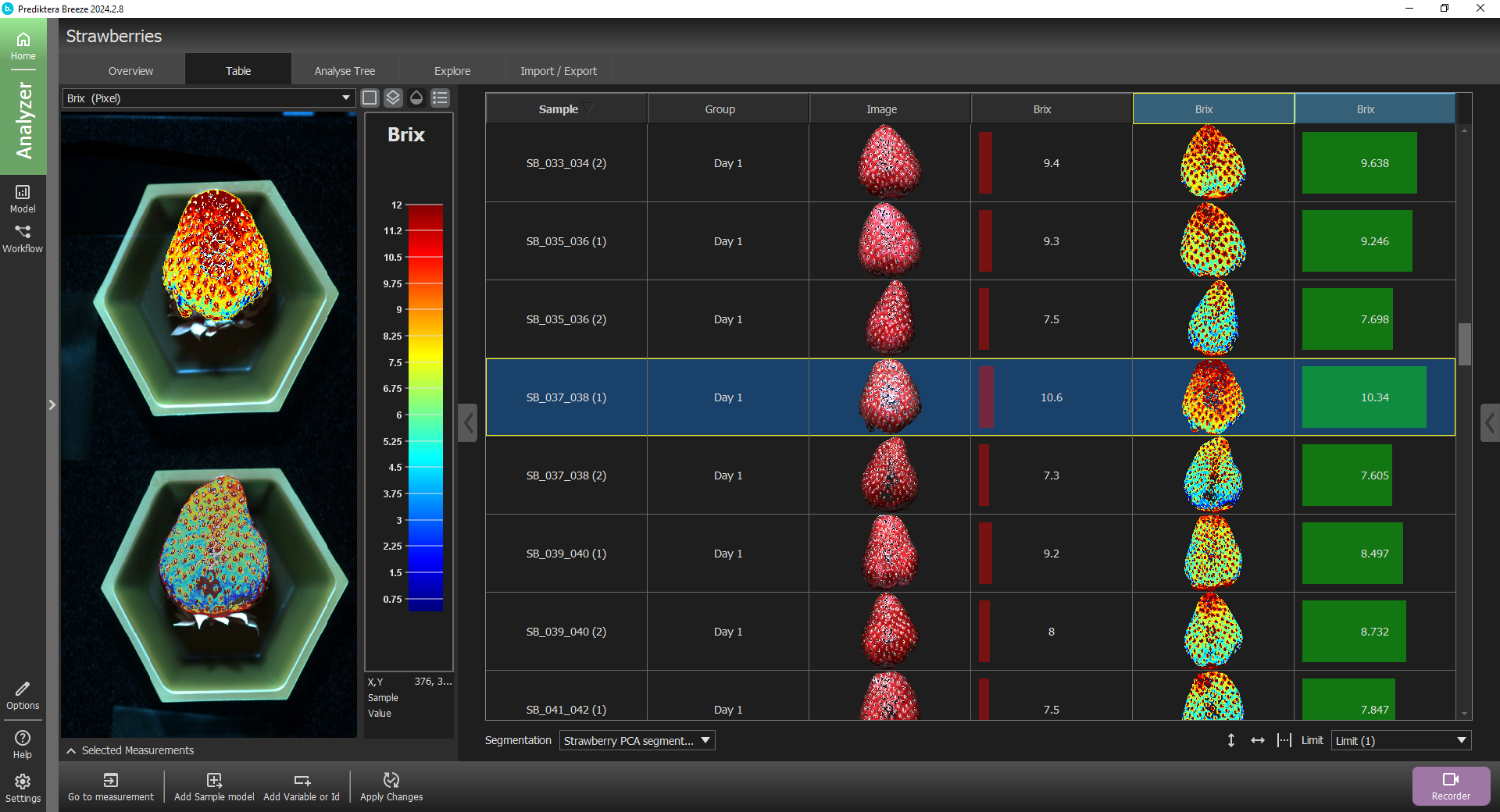
Investigate spectral differences between samples. Explore images and spectra, select regions, and segment objects to identify the data you want to analyse.
2
Module
Build a model
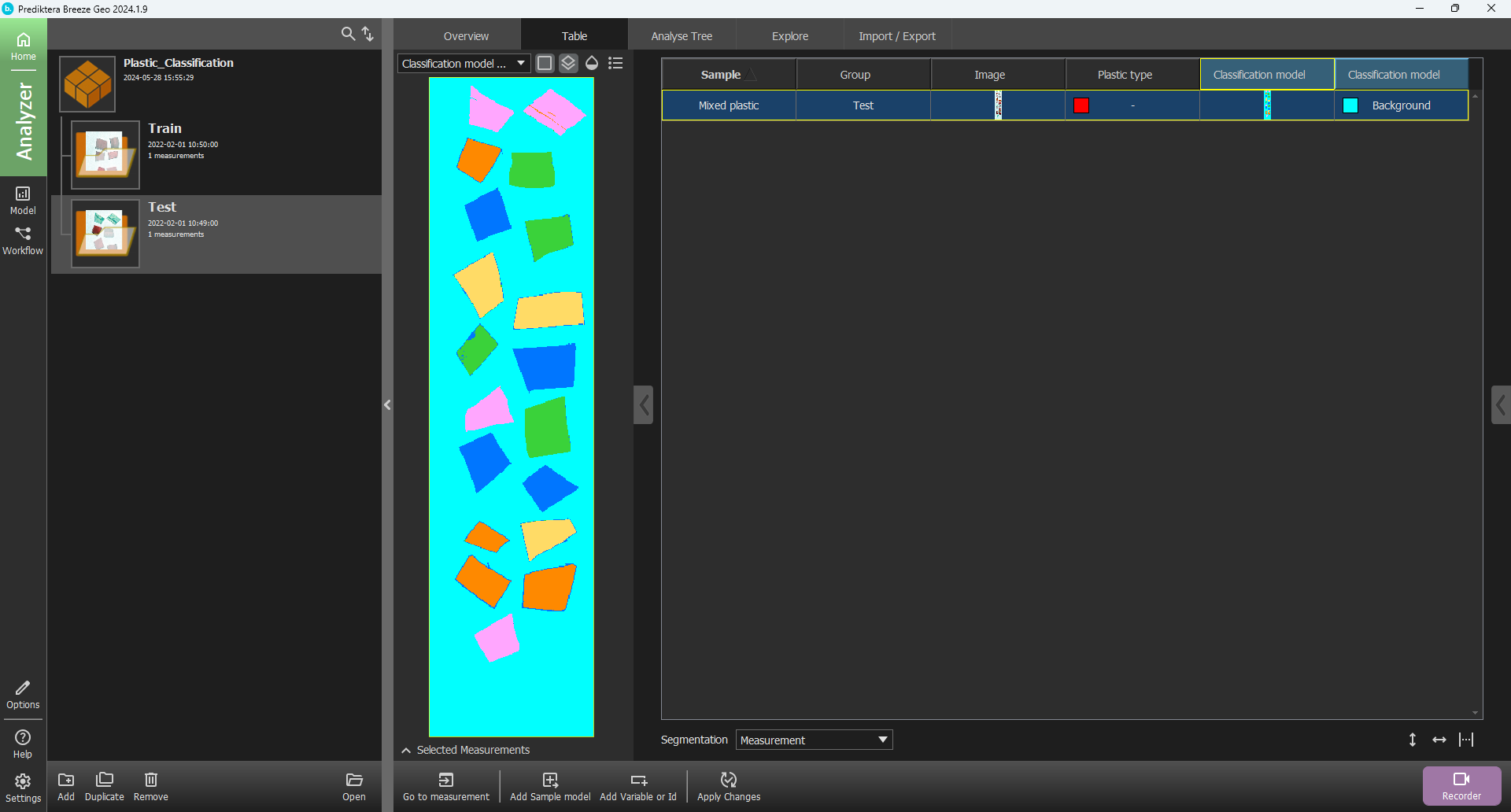
Classify materials or estimate quantities using machine learning and chemometric methods. Work with spectral libraries and band maths, then assess your model on representative data.
3
Module
Apply and automate
Combine processing steps and models into reusable workflows for batch or real-time analysis. Extend them with Python scripts or external ONNX models; add Runtime API for external system integration.


Module
Runtime API
Run workflows developed in Breeze and connect commands, events and analysis results to external systems. Includes Runtime Client for testing and diagnostics.
Module
Geological Analysis
Add mineral classification with USGS PRISM MICA, Minimum Wavelength Mapping and built-in or custom spectral libraries. Requires Breeze.
Module
Core Scanning
Add depth registration, segmentation and export of drill core mineralogical interpretations. Requires Breeze and Geological Analysis.
1
Breeze + Evince access
Breeze for Research & Development
Acquire and explore hyperspectral data, build models and develop repeatable analysis workflows.
2
Breeze + Runtime API
Breeze for Industry
Develop analysis workflows and integrate them with external systems for sorting, monitoring and quality control.
3
Breeze + Geological Analysis
Breeze for Geology
Identify minerals and map spectral features in laboratory, field, process and UAV hyperspectral data.
3
Breeze + Geological Analysis + Core Scanning
Breeze for Geology — Core scanning
Combine mineral analysis with depth registration, segmentation and export for drill core logging.